Density, buoyancy + drawing with code!
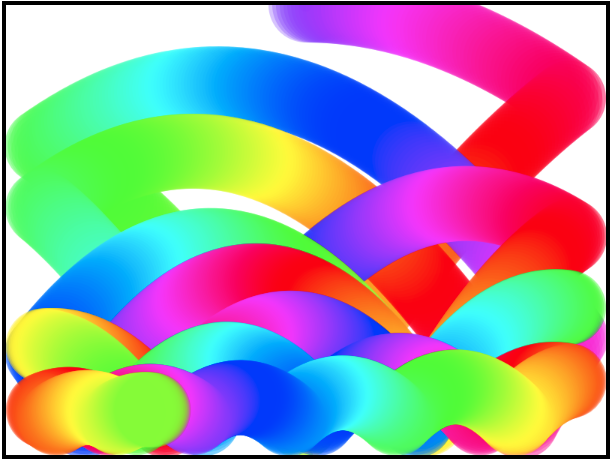 Explore the artistic results when objects you create with code float/sink/interact.
The app has two objects for you to test and edit (see list bottom-left).
- Select an object and click on Run This Code to see it in action.
- Or, click on Run All Code to see both objects in action.
Note: If the code window does not fit at the right of the drawing canvas, press Control / minus sign on a PC or Chromebook, or Command / minus sign on a Mac.